Safer, simpler daily computing

Software & Security Protection

The right software environment reduces friction without loading a device with unnecessary tools. We configure legitimate productivity, communication and security software around the way you work.
  • ✓ Legitimate software
  • ✓ Privacy-aware setup
  • ✓ Personal and business use
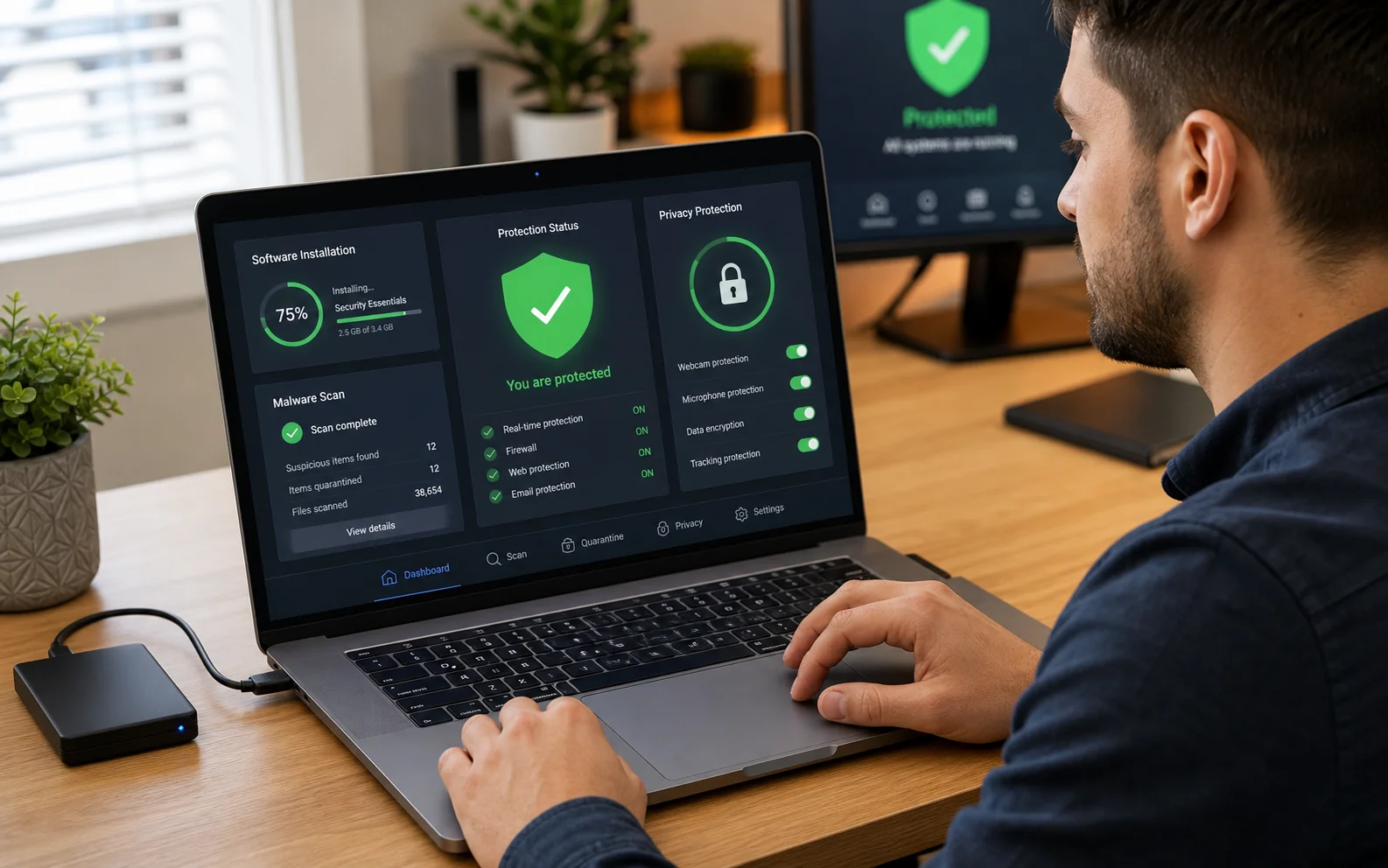
Secure productivity software and protection tools on a computer
Security is a system: updates, accounts, backups, permissions and careful use.
ProductivityOffice, creative and workflow tools
ProtectionNative and third-party security
PrincipleOnly what you need

Problems we handle

When this service is useful

More software is not automatically better. Conflicting security products, unofficial installers and unclear permissions can reduce performance and increase risk.

Unwanted software and pop-ups

Adware, browser extensions, bundled utilities or suspicious programs interrupt normal use.

Unclear antivirus choices

Several overlapping products create warnings, renewal pressure and possible performance problems.

Online banking concerns

The browser, updates, accounts and device protection need a safer baseline before sensitive use.

Office software is missing

Documents, spreadsheets, email and PDF workflows require legitimate, compatible tools.

Creative tools need configuration

Adobe Photoshop, Illustrator or other licensed suites need accounts, storage and performance settings aligned.

A new profession needs a toolkit

Self-employed users need a focused combination of communication, records, backup, security and productivity apps.

Supported scope

Software environments we can help configure

We install licensed commercial software or legitimate free/open-source alternatives. We do not supply cracked applications, bypass subscriptions or weaken platform security controls.

  • Microsoft 365 and Office
  • LibreOffice and Apache OpenOffice
  • Adobe Creative Cloud applications
  • Browsers, PDF and communication tools
  • Windows Security and supported antivirus products
  • Password managers, MFA and backup tools

How the service works

A clear route from request to result

Describe your work

Tell us the documents, communication, creative or security tasks the device must support.

Review the current setup

We identify outdated, duplicated, unwanted or risky software and confirm licensing.

Install and configure

Agreed applications, updates, accounts and security settings are applied.

Explain the routine

You receive guidance on updates, backups, alerts and which warnings need attention.

Layered protection

An antivirus is useful—but it cannot replace safe configuration

Security for banking and personal data depends on several layers working together. Native protections can be strong when the system is supported, updated and used with sensible account controls.

  • Use supported operating systems and install updates promptly
  • Protect primary email with a unique password and multi-factor authentication
  • Use standard accounts for daily work where practical
  • Keep an independent backup so malware or account loss is not catastrophic

Local availability

Paphos and Nicosia

Every physical service is subject to pre-registration and confirmation so the technician, location and equipment are prepared.

Paphos

By confirmation

Device intake, collection and workshop arrangements are made after registration and confirmation. Call before travelling to a drop-off location.

10 Iasonos
Kato Paphos
8041, Paphos, Cyprus

Nicosia

By confirmation

Device intake, collection and workshop arrangements are made after registration and confirmation. Call before travelling to a drop-off location.

The Plug, 9E Asomatou Street
2414 Engomi, Nicosia

Submitting a form does not confirm an appointment. We call on the next working day to confirm arrangements. Call before travelling to any drop-off location.

Choose how to use this service

Service request options

These routes use the same secure registration and confirmation rules as the main request hub. Choose the option that matches where the work can be completed.

Standard option 01

Send Your Device

Register first, then bring the device to your selected Paphos or Nicosia service point.

  1. Complete the secure device-intake form and keep the unique reference number.
  2. Choose an active service location, then call before travelling so we can confirm someone is available.
  3. We examine the device after intake and call with findings and likely costs.
  4. You decide whether to authorise the work or collect the device without proceeding.

Choose any intended drop-off date shown in the form. Before travelling, call us to confirm that someone will be available to receive the device.

Register your device

Standard option 02

Request Home Collection

Ask us to collect the device and return it after diagnosis or authorised work.

  1. Submit the collection form with the device, address and preferred date.
  2. We call on the next working day; the request is not confirmed until that call.
  3. After examination, we explain the issue and repair cost before any chargeable repair begins.
  4. The device is returned whether you authorise the repair or decide not to proceed.

The fixed €20 fee covers collection and return and applies whether or not a repair takes place. Choose any preferred date; we call on the next working day to confirm the arrangements.

Request collection

Related services

Questions before you decide?

Read the frequently asked questions for software & security protection. For personal advice, call, message us or use Drop Us a Line.

Open FAQ →

Ready for the next step?

Choose the right service route

Register the device, request collection or ask for an eligible home service. Every appointment is confirmed personally.

Request this service