Secure setup from the start

Mobile, Tablet & Gaming Console Software Services

Correct accounts, updates, privacy settings and backups prevent many of the problems that appear months later. We help organise supported mobile devices and consoles for safer, easier everyday use.
  • ✓ Phones & tablets
  • ✓ Gaming consoles
  • ✓ Accounts and backup
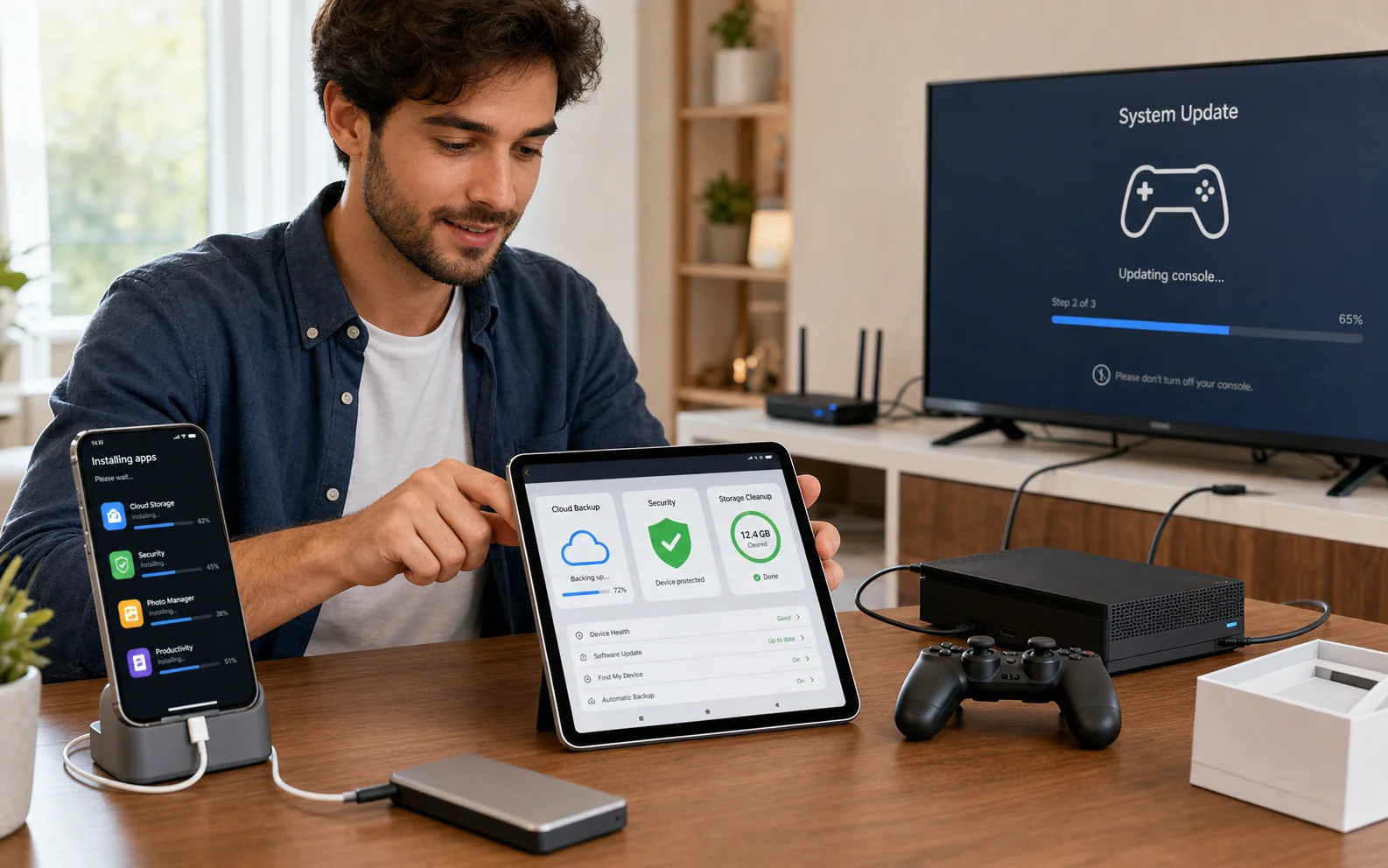
Smartphone tablet and gaming console software being configured
Accounts, updates, storage and recovery options configured before they become urgent.
SetupAccounts, updates and privacy
StorageLocal and cloud options
GoalFewer future lockouts and surprises

Problems we handle

When this service is useful

A device can work on day one while still being poorly prepared for loss, replacement, family use or account recovery.

New-Device Migration

Photos, contacts, messages and supported app data need to move from an old device carefully.

OS Reinstallation & Factory Refresh

We perform a clean operating-system reinstall or supported factory reset, then complete initial setup and apply available system and driver updates.

Storage Is Constantly Full

Photos, downloads, app caches and cloud synchronisation need a clear retention plan.

Deep Malware & Spyware Removal

We scan for and remove persistent malware, adware pop-ups, rogue profiles and suspicious tracking software using methods supported by the Android, iOS or handheld platform.

Data Recovery & Extraction

Where the device can still boot, unlock and expose its storage, we attempt to extract accessible photos, files or media to suitable external storage or a drive image before a reset or wipe.

Updates and Security Are Neglected

Old system software, weak screen locks and missing recovery methods create avoidable risk.

Supported scope

Devices and software areas

Support depends on device condition, vendor support and access to the legitimate owner’s accounts. We do not bypass activation locks, passcodes or account ownership controls.

  • Supported iPhone and iPad devices
  • Supported Android phones and tablets
  • PlayStation, Xbox and Nintendo account/software setup
  • Apple, Google and Microsoft accounts
  • iCloud, Google and supported console cloud storage
  • Family, privacy and purchase controls

How the service works

A clear route from request to result

Confirm ownership and access

Have the device passcode and legitimate account credentials or recovery methods available.

Review the current state

We check updates, storage, backup status, accounts and the requested apps or console services.

Configure safely

Agreed accounts, backup, privacy, family and software settings are applied.

Verify recovery basics

We confirm what is backed up, how to sign in and what information must be kept safely.

Avoid future lockouts

Your recovery email and phone number matter as much as the password

A forgotten password is manageable when recovery details are current. It becomes much harder when the old number is gone, the recovery inbox cannot be opened or the device is activation-locked.

  • Confirm recovery email and phone details
  • Enable multi-factor authentication and save recovery codes safely
  • Review cloud storage capacity before assuming photos are backed up
  • Keep purchase accounts consistent across family or console users

Local availability

Paphos and Nicosia

Every physical service is subject to pre-registration and confirmation so the technician, location and equipment are prepared.

Paphos

By confirmation

Device intake, collection and workshop arrangements are made after registration and confirmation. Call before travelling to a drop-off location.

10 Iasonos
Kato Paphos
8041, Paphos, Cyprus

Nicosia

By confirmation

Device intake, collection and workshop arrangements are made after registration and confirmation. Call before travelling to a drop-off location.

The Plug, 9E Asomatou Street
2414 Engomi, Nicosia

Submitting a form does not confirm an appointment. We call on the next working day to confirm arrangements. Call before travelling to any drop-off location.

Choose how to use this service

Service request options

These routes use the same secure registration and confirmation rules as the main request hub. Choose the option that matches where the work can be completed.

Standard option 01

Send Your Device

Register first, then bring the device to your selected Paphos or Nicosia service point.

  1. Complete the secure device-intake form and keep the unique reference number.
  2. Choose an active service location, then call before travelling so we can confirm someone is available.
  3. We examine the device after intake and call with findings and likely costs.
  4. You decide whether to authorise the work or collect the device without proceeding.

Choose any intended drop-off date shown in the form. Before travelling, call us to confirm that someone will be available to receive the device.

Register your device

Standard option 02

Request Home Collection

Ask us to collect the device and return it after diagnosis or authorised work.

  1. Submit the collection form with the device, address and preferred date.
  2. We call on the next working day; the request is not confirmed until that call.
  3. After examination, we explain the issue and repair cost before any chargeable repair begins.
  4. The device is returned whether you authorise the repair or decide not to proceed.

The fixed €20 fee covers collection and return and applies whether or not a repair takes place. Choose any preferred date; we call on the next working day to confirm the arrangements.

Request collection

Related services

Questions before you decide?

Read the frequently asked questions for mobile, tablet & gaming console software services. For personal advice, call, message us or use Drop Us a Line.

Open FAQ →

Ready for the next step?

Choose the right service route

Register the device, request collection or ask for an eligible home service. Every appointment is confirmed personally.

Request this service