Fixing Weak Wi-Fi & Dead Zones
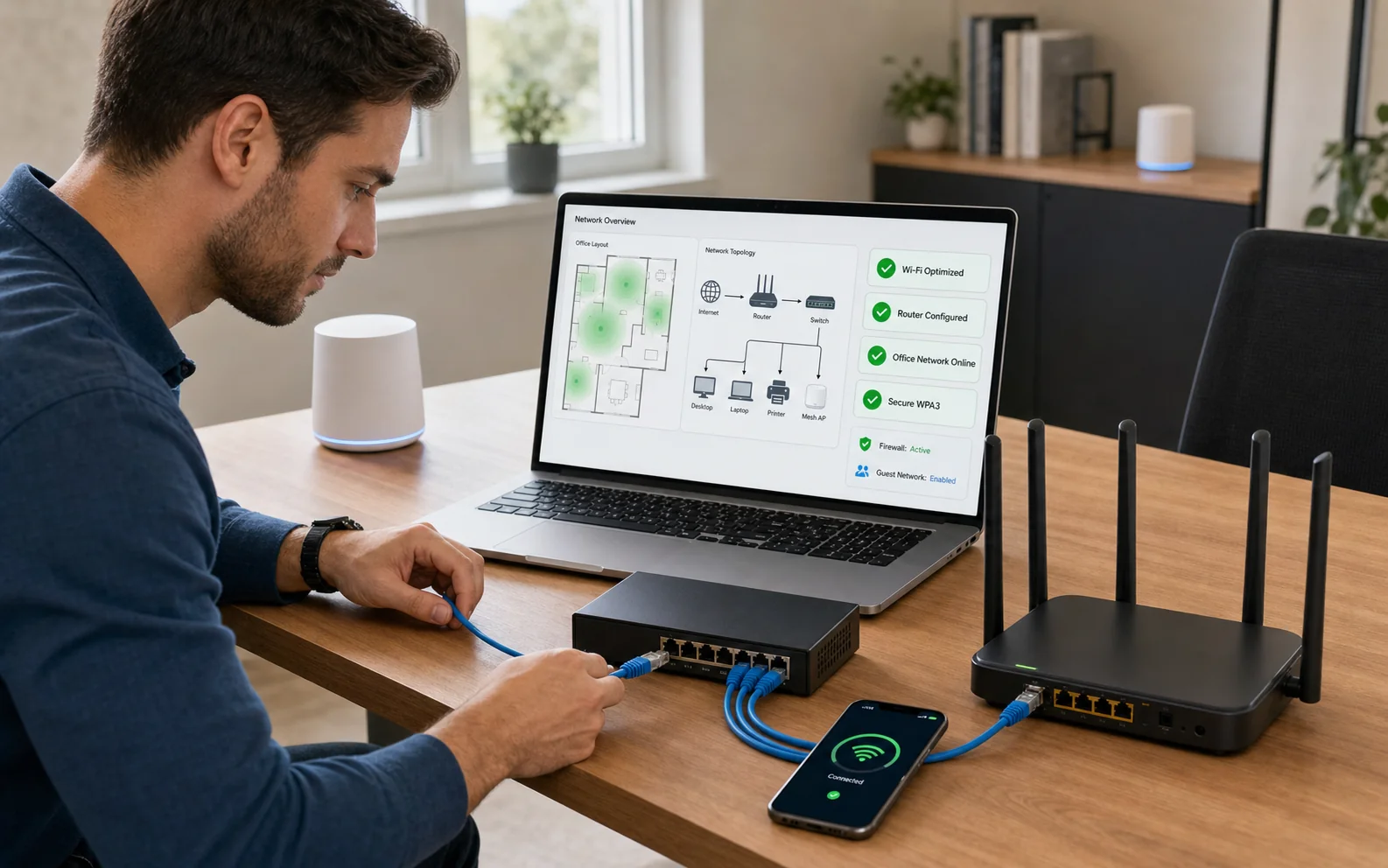
When the signal drops in the kitchen, upstairs or at the back of the office, we assess the space and position suitable access points to provide stronger, more consistent coverage.
Reliable wired and wireless foundations
From one home router to a small multi-room office, we plan and troubleshoot wired and wireless networks around coverage, capacity, security and the equipment that actually needs to connect.
Problems we handle
Network symptoms can come from the internet service, cabling, Wi-Fi interference, overloaded equipment, poor placement or device configuration. Troubleshooting must separate those layers.
When the signal drops in the kitchen, upstairs or at the back of the office, we assess the space and position suitable access points to provide stronger, more consistent coverage.
When video calls freeze, streams buffer or devices disconnect despite a fast internet plan, we identify bottlenecks such as outdated equipment, poor cabling or wireless interference.
We plan reliable wireless coverage and high-speed Ethernet for fixed equipment such as computers, televisions and servers, including suitable cabling, wall points and network configuration.
When a printer, scanner or shared drive shows “Device Not Found,” we configure network discovery, routing and permissions so authorised laptops, phones and storage devices can communicate reliably.
We separate visitor or customer access from the network used by private files, financial systems, cameras and other business equipment.
Basic Wi-Fi extenders can create duplicate network names, switching delays and reduced speed. We remove unsuitable workarounds and configure unified equipment for smoother handoff between rooms.
Supported scope
The best design may combine Ethernet for fixed equipment with well-placed wireless access for mobile devices. Mesh is useful in some properties, but structured access points are often better for demanding offices.
How the service works
Share floor layout, internet service, problem rooms, device count and business-critical uses.
We distinguish provider, router, cabling, coverage, congestion and end-device problems.
Suitable wired, wireless, guest and device connections are planned and secured.
Coverage and key devices are tested in real rooms, not only beside the router.
Typical network patterns
A small property may need only a well-positioned router. Larger or busier spaces may benefit from Ethernet-connected access points, while mesh can solve coverage where new cabling is impractical.
Local availability
Every physical service is subject to pre-registration and confirmation so the technician, location and equipment are prepared.
Consultation and planned on-site network work are arranged after registration and telephone confirmation.
10 IasonosConsultation and planned on-site network work are arranged after registration and telephone confirmation.
The Plug, 9E Asomatou StreetSubmitting a form does not confirm an appointment. We call on the next working day to confirm arrangements. Call before travelling to any drop-off location.
Related services
Read the frequently asked questions for network setup & troubleshooting. For personal advice, call, message us or use Drop Us a Line.
Ready for the next step?
Send the requirement and we will contact you to clarify scope, timing and the most suitable approach.