Set Up a Printer for Your Home Office
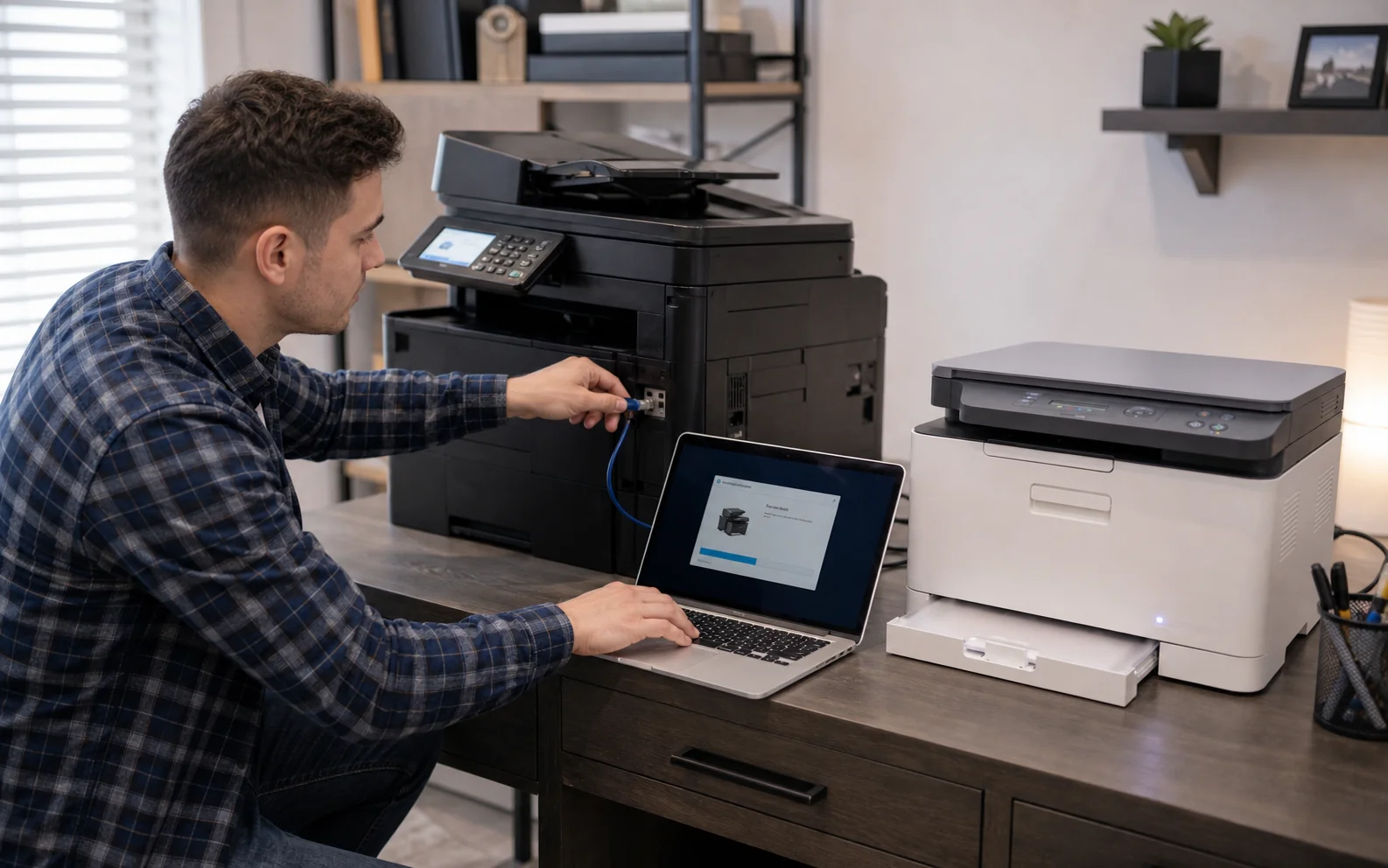
We install the correct drivers, connect the printer securely by Wi-Fi, Ethernet or USB, and confirm reliable printing from the computers and mobile devices you use.
Home and office print workflows
A printer should not become a daily troubleshooting exercise—or an unsecured device on the network. We configure printing, scanning and sharing around the way your home or office actually works.
Problems we handle
Quick one-device installation often ignores the network, scanner, permissions and security. A deliberate setup makes the equipment easier to use and harder to misuse.
We install the correct drivers, connect the printer securely by Wi-Fi, Ethernet or USB, and confirm reliable printing from the computers and mobile devices you use.
We configure the printer on the business network so authorised staff can print reliably without giving everyone administrator access.
Wi-Fi placement, changing addresses, sleep settings or incomplete drivers cause recurring disconnections.
We configure supported scan-to-device, shared-folder or email workflows so authorised users can save documents directly where they need them.
We install the appropriate driver, app and discovery method on each supported device, then test printing and scanning across the mixed network.
We help you compare compatible models for your devices, workload and network, then install and configure the equipment after purchase.
Supported scope
We work with common consumer and small-office printers, multifunction devices and network scanners, subject to manufacturer support and available drivers.
How the service works
List the printer model, router, computers, phones and people who need access.
We confirm connectivity, signal quality, cabling and whether a fixed network address is useful.
We install the right software and set up printing, scanning, folders, cloud or email options supported by the device.
We print and scan from the devices you use, then show you the normal workflow.
Security matters
Modern printers can store jobs, address books, email credentials and network information. Leaving default passwords, unnecessary remote services or outdated firmware in place can expose more than print quality.
Local availability
Every physical service is subject to pre-registration and confirmation so the technician, location and equipment are prepared.
Home or office service is arranged after registration and telephone confirmation.
10 IasonosHome or office service is arranged after registration and telephone confirmation.
The Plug, 9E Asomatou StreetSubmitting a form does not confirm an appointment. We call on the next working day to confirm arrangements. Call before travelling to any drop-off location.
Related services
Read the frequently asked questions for printer setup that works for everyone. For personal advice, call, message us or use Drop Us a Line.
Ready for the next step?
Register the device, request collection or ask for an eligible home service. Every appointment is confirmed personally.