Very slow startup
Traditional hard drives and overloaded startup software can keep a computer busy for several minutes.
Targeted hardware performance
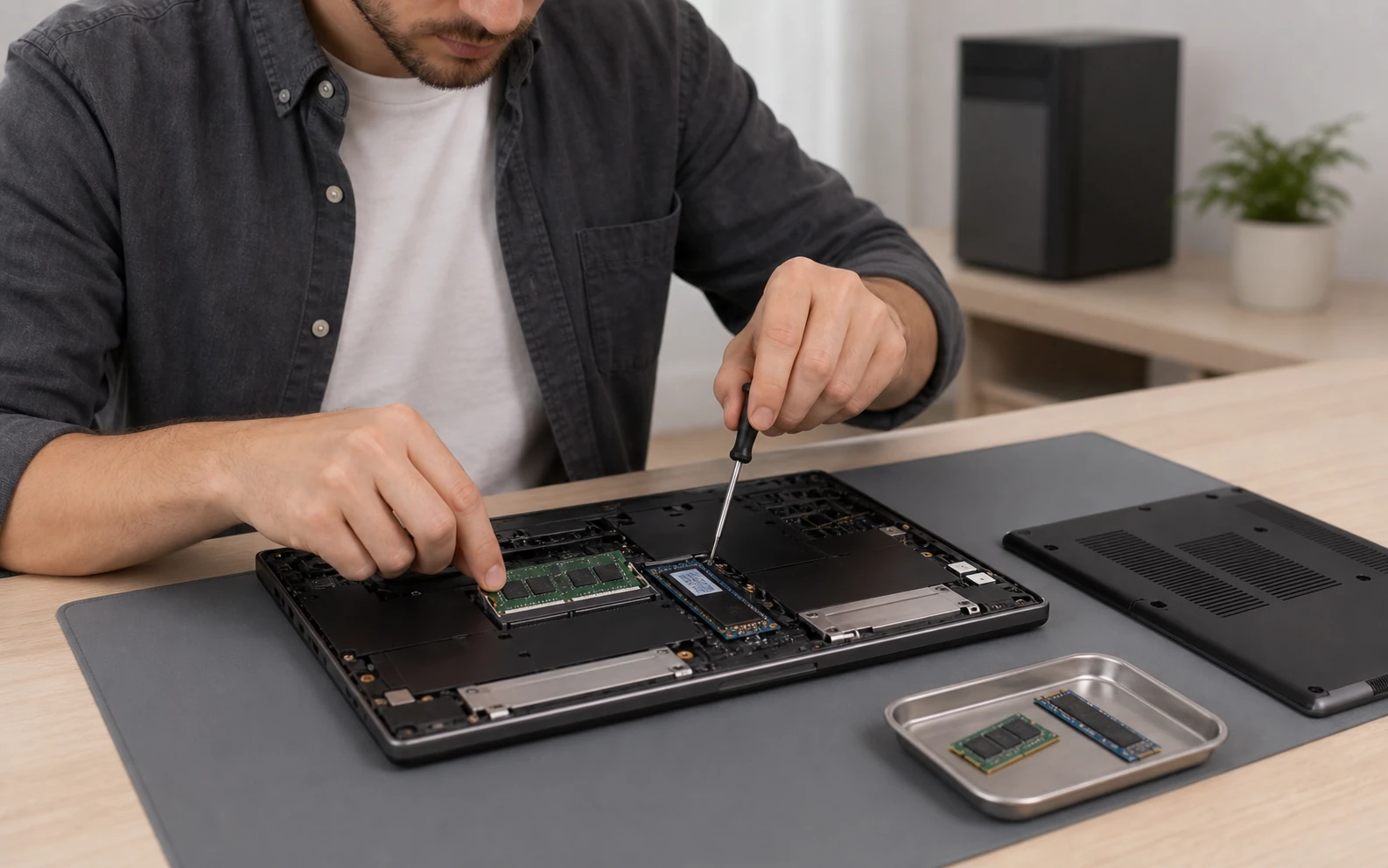
The right upgrade can make an otherwise useful computer feel dramatically faster. We check compatibility first, recommend the improvement that addresses the actual bottleneck, and configure it correctly.
Problems we handle
RAM and storage affect different parts of performance. We identify whether the computer is waiting for memory, a slow disk or something else before recommending parts.
Traditional hard drives and overloaded startup software can keep a computer busy for several minutes.
Insufficient memory forces the system to move active work to much slower storage.
A nearly full system drive reduces working space for updates, caches and applications.
Many browser tabs, office documents, creative tools or virtual meetings exceed the available RAM.
Large media, game or business files benefit from faster SSD access where the interface supports it.
DDR generation, speed, form factor, capacity limits and SSD keying make online part selection easy to get wrong.
Supported scope
Upgradeability varies. Some modern laptops have soldered memory or storage that cannot be replaced. We confirm the exact model and physical configuration before ordering or fitting parts.
How the service works
We review the model, symptoms, current memory, storage and realistic use.
Interface, form factor, DDR generation, supported capacity and physical access are checked.
For SSD work, choose clean installation, suitable cloning or separate backup and restore.
The upgrade is fitted, recognised by the system and tested before return.
Practical comparison
Approximate peak speeds help explain the difference, but real results depend on the computer, workload, drive quality, thermals and interface generation.
Local availability
Every physical service is subject to pre-registration and confirmation so the technician, location and equipment are prepared.
Device intake, collection and workshop arrangements are made after registration and confirmation. Call before travelling to a drop-off location.
10 IasonosDevice intake, collection and workshop arrangements are made after registration and confirmation. Call before travelling to a drop-off location.
The Plug, 9E Asomatou StreetSubmitting a form does not confirm an appointment. We call on the next working day to confirm arrangements. Call before travelling to any drop-off location.
Related services
Read the frequently asked questions for ram & ssd performance upgrades. For personal advice, call, message us or use Drop Us a Line.
Ready for the next step?
Register the device, request collection or ask for an eligible home service. Every appointment is confirmed personally.