Repeated system corruption
Updates fail, core files are damaged or the same errors return after ordinary repair.
Clean operating-system setup
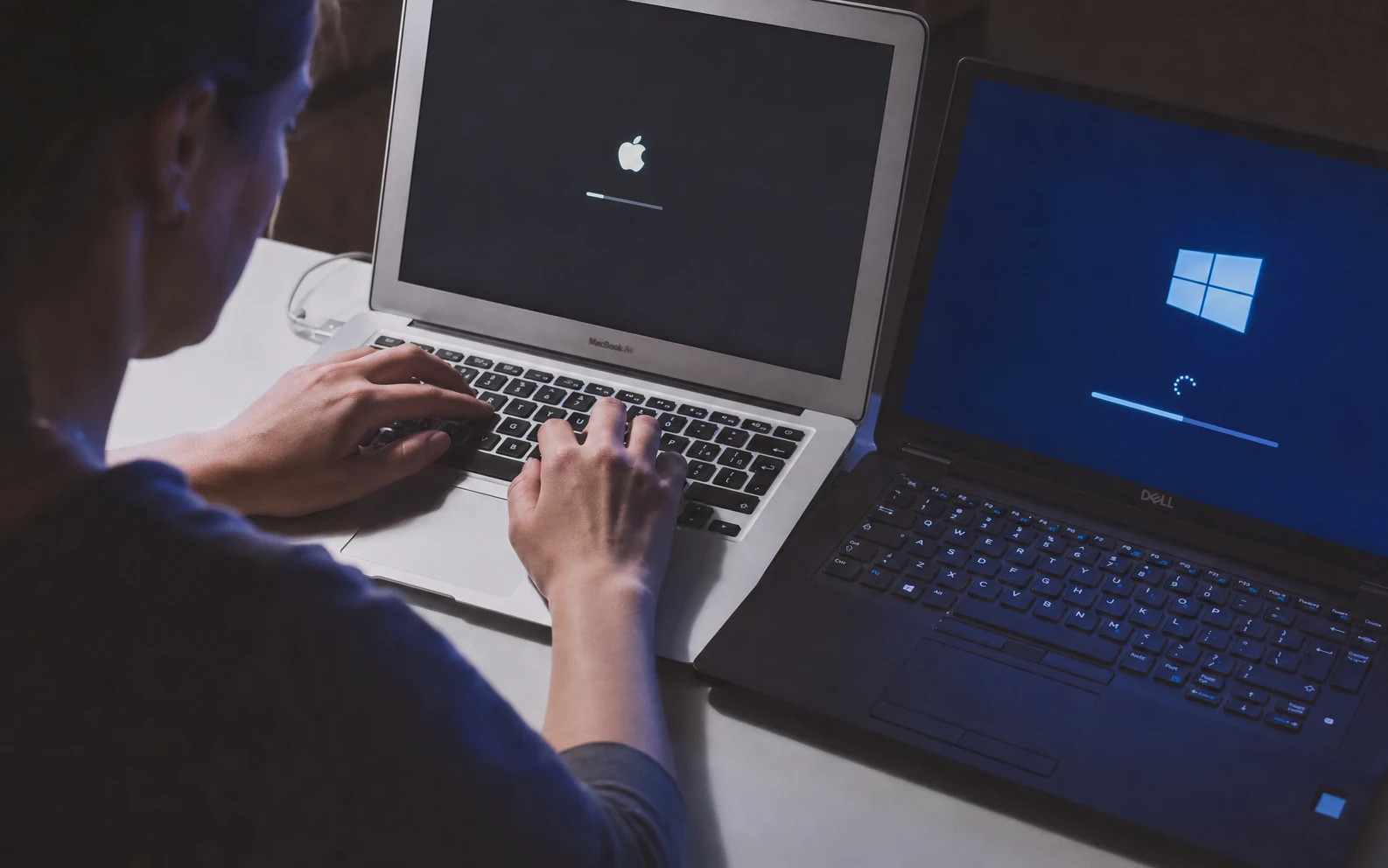
A clean operating-system installation can resolve persistent corruption, prepare a new SSD, remove years of software clutter and return a computer to a stable, secure foundation.
Problems we handle
Reinstallation is useful when repair would take longer than a clean start, when an SSD is replaced, or when system damage cannot be corrected reliably in place.
Updates fail, core files are damaged or the same errors return after ordinary repair.
A replacement or upgraded drive needs a fresh, correctly configured operating system.
A trusted clean installation may be safer than trying to remove deeply embedded unwanted software.
Old drivers, abandoned software and startup items make the computer slow and unpredictable.
Personal data must be removed and the system returned to a clean, usable state.
An attempted version upgrade has failed or compatibility needs to be checked before continuing.
Supported scope
The exact operating-system version depends on the device, its hardware support and valid licensing. We will not bypass activation or install unlicensed commercial software.
How the service works
Place everything to keep in one clearly named folder or make your own external/cloud backup.
Tell us whether you need backup, software installation, account setup and data restoration.
We prepare the drive, install the supported system, drivers, updates and agreed software.
Requested files are returned, basic functions are checked and any remaining limitations are explained.
Before handing over the device
Create a folder on the Desktop called “Data_to_be_Saved”, “Keep_Data” or “Save_before_Installation”. Open each location you use—Documents, Downloads, Desktop, Pictures and project folders—then drag or copy the files into that folder. Check it once more before intake.
Local availability
Every physical service is subject to pre-registration and confirmation so the technician, location and equipment are prepared.
Device intake, collection and workshop arrangements are made after registration and confirmation. Call before travelling to a drop-off location.
10 IasonosDevice intake, collection and workshop arrangements are made after registration and confirmation. Call before travelling to a drop-off location.
The Plug, 9E Asomatou StreetSubmitting a form does not confirm an appointment. We call on the next working day to confirm arrangements. Call before travelling to any drop-off location.
Related services
Read the frequently asked questions for windows & macos installation. For personal advice, call, message us or use Drop Us a Line.
Ready for the next step?
Register the device, request collection or ask for an eligible home service. Every appointment is confirmed personally.